COORDINATOR is
on its way
Keep an eye on your Downloads folder. Three quick steps and you're in. Nothing showing up? Grab the file directly.
 1
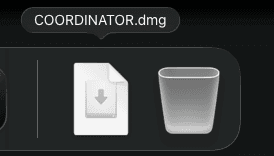
1Open the installer
Click COORDINATOR.dmg in your Dock, or double-click it in Downloads.

 2
2Move it into Applications
In the window that opens, drop the COORDINATOR icon onto the Applications folder.
- Applications
 Calendar
- COORDINATOR
 Mail
Mail
3Launch and sign in
Start COORDINATOR from Applications and sign in with the account you already use.
macOS 11 or later · Apple silicon